Bike share map
Bike-share systems around the world from citybik.es. Zoomed out, each dot is a system; zoom in to a city to see its stations with free bikes and empty docks.
Free · No sign-up · Works in any browser
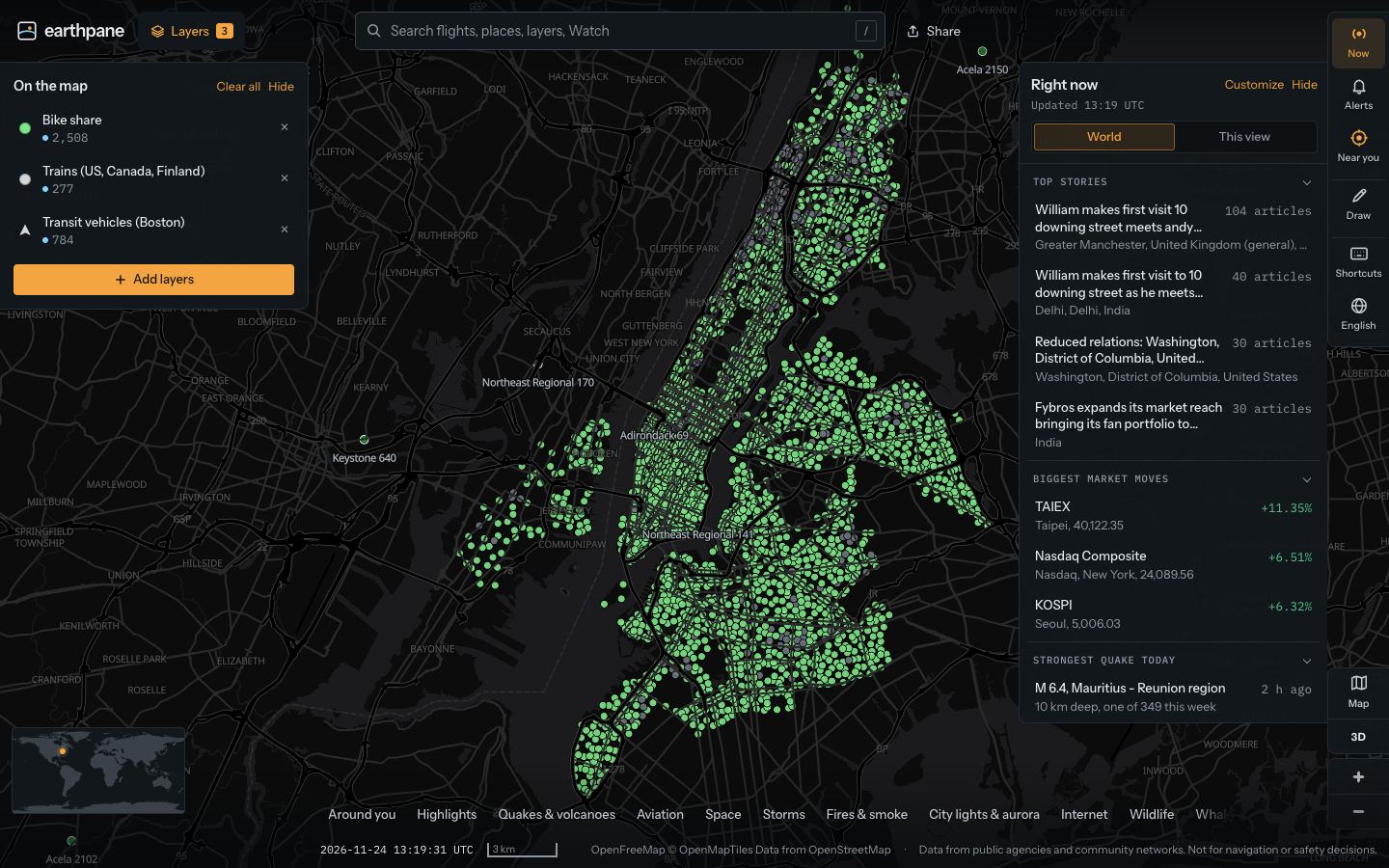
What's on the map
- Bike shareBike-share stations and free bikes
- Trains (US, Canada, Finland)Live trains in the US, Canada and Finland
- Transit vehicles (Boston)Live buses and trains in Boston
How to use it
- Zoom out to see one teal dot per bike-share system.
- Zoom in to city level (zoom 10 or more) to load stations near the centre of the view.
- Tap a station for its free bikes, e-bikes where reported, and empty docks.
Questions
Where does the data come from?
citybik.es, which gathers public feeds from bike-share operators.
Why do I see stations in only part of a city?
Zoomed in, the map loads stations for a small number of systems near the centre of your view, so pan to load others.
What do the colours mean?
Green means a station has at least one bike, grey means none are free, and teal marks a whole system when zoomed out.
More live maps
- Live train trackerTrack trains live on a free map: Amtrak, VIA Rail and Brightline in North America, and Finnish trains
- Live traffic camerasWatch live traffic cameras on a map: London, California, British Columbia, Singapore and Finland, plus live TV channels by country
- Live map of New YorkA free live map of New York: harbour tides and currents, bike share, flights, US weather alerts, lightning and Wall Street indices
- Live map of MadridA free live map of Madrid: DGT road cameras, the IBEX 35, bike share, Spanish weather warnings, airports and flights
- License plate reader (ALPR) mapSee mapped automatic license plate reader (ALPR) cameras on a free map