Cyber threat map
Hosts that have been reporting scanning and attacks to SANS DShield, and botnet command and control servers tracked by abuse.ch Feodo Tracker. Locations are estimated from IP addresses, so they show where an address is registered, not where a person sits.
Free · No sign-up · Works in any browser
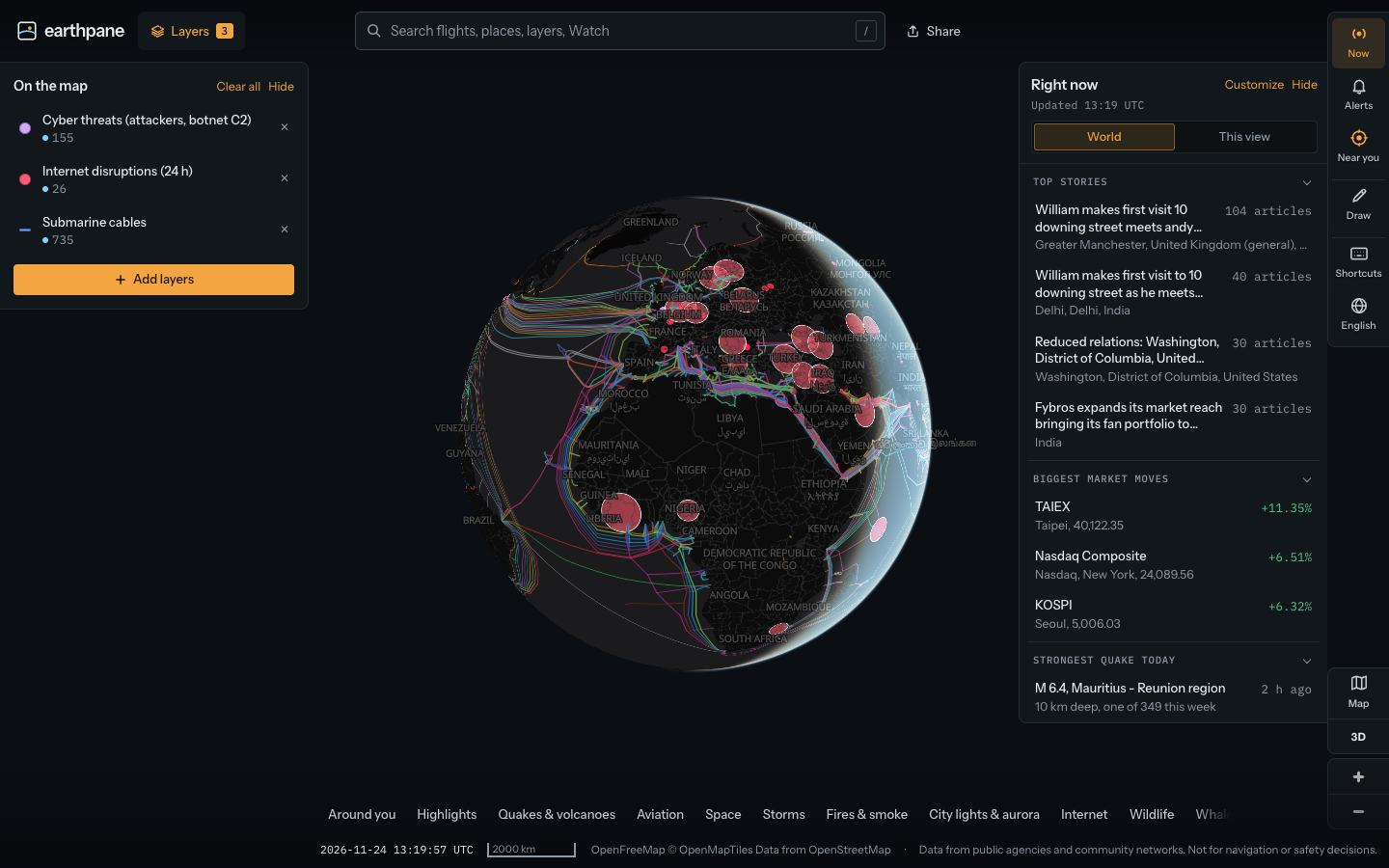
What's on the map
- Cyber threats (attackers, botnet C2)Sources of cyber attacks and botnets
- Internet disruptions (24 h)Countries and regions losing internet
- Submarine cablesUndersea internet cables
How to use it
- Open the map. Red dots are scanning hosts and purple dots are botnet command servers.
- Tap a dot for its IP address, network, city and country, and when it was last seen.
- Follow the link on the card to the DShield or Feodo Tracker page for that address.
Questions
What does the map show?
The top attacking sources from SANS DShield, and entries from the abuse.ch Feodo Tracker blocklist, each placed using ip-api.com.
Does a dot mean an attack on a country?
No. A dot is where an address is located, not who is behind it or who it targets.
Is this a live attack map?
No. It is a list of recent sources, refreshed as the feeds update, not real-time traffic between places.
More live maps
- Internet outage mapSee which countries and regions are losing internet right now, with the undersea cables, landing points and data centres that carry it, on a free live map
- License plate reader (ALPR) mapSee mapped automatic license plate reader (ALPR) cameras on a free map
- Submarine cable mapInteractive map of the world's undersea internet cables, landing points and data centres, with live internet outages, on a 3D globe
- GPS jamming mapSee where GPS is being jammed or disrupted right now